
How to View your Received Faxes
Now that you're logged in to your user portal you are able to view received faxes in a few easy steps.
From the dashboard do the following:
- Click 'Applications' (paper airplane icon) at the top of the screen
- Select 'Fax Server'
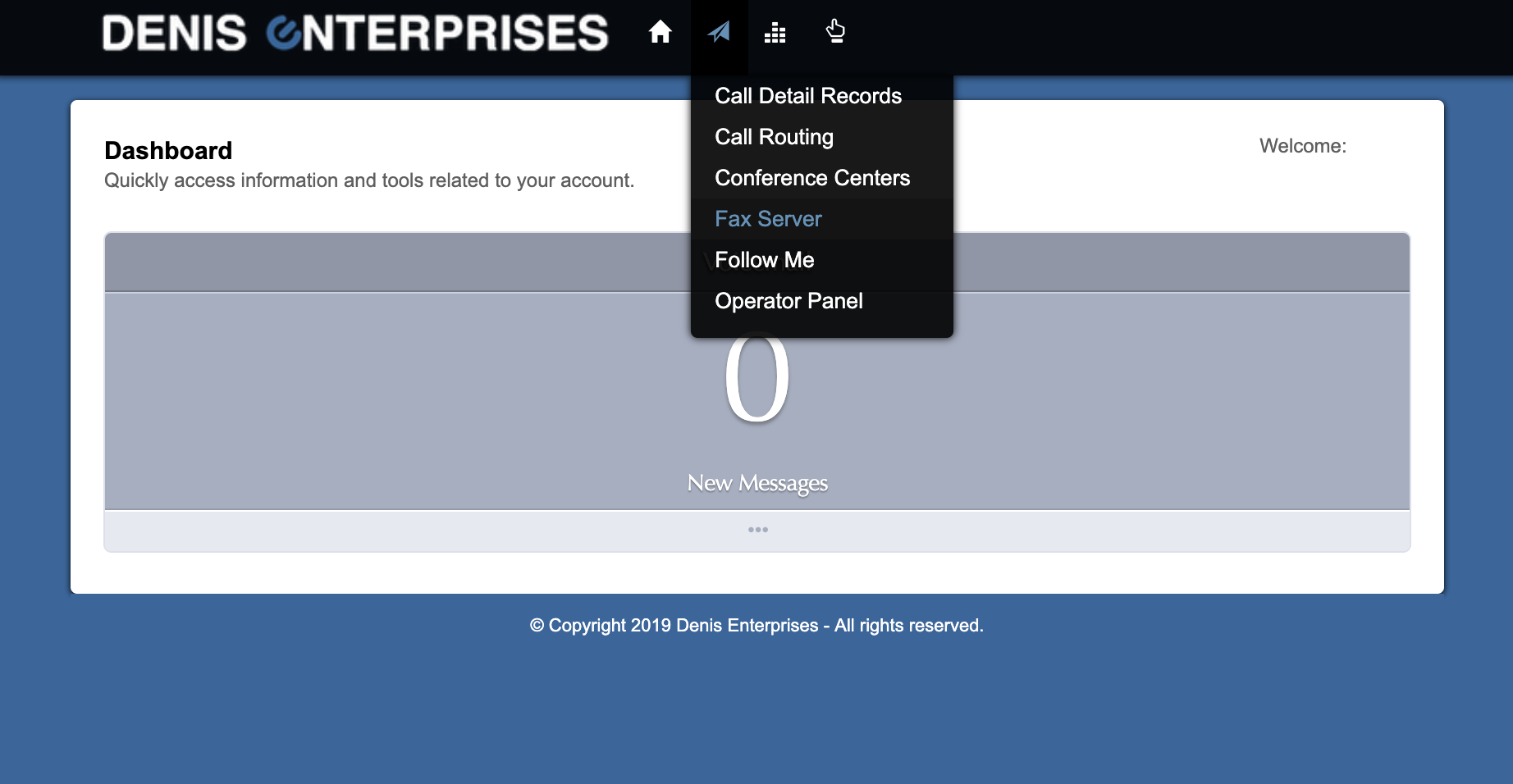
- If your extension is provisioned to send faxes, you'll see it listed on the 'Fax Servers' screen
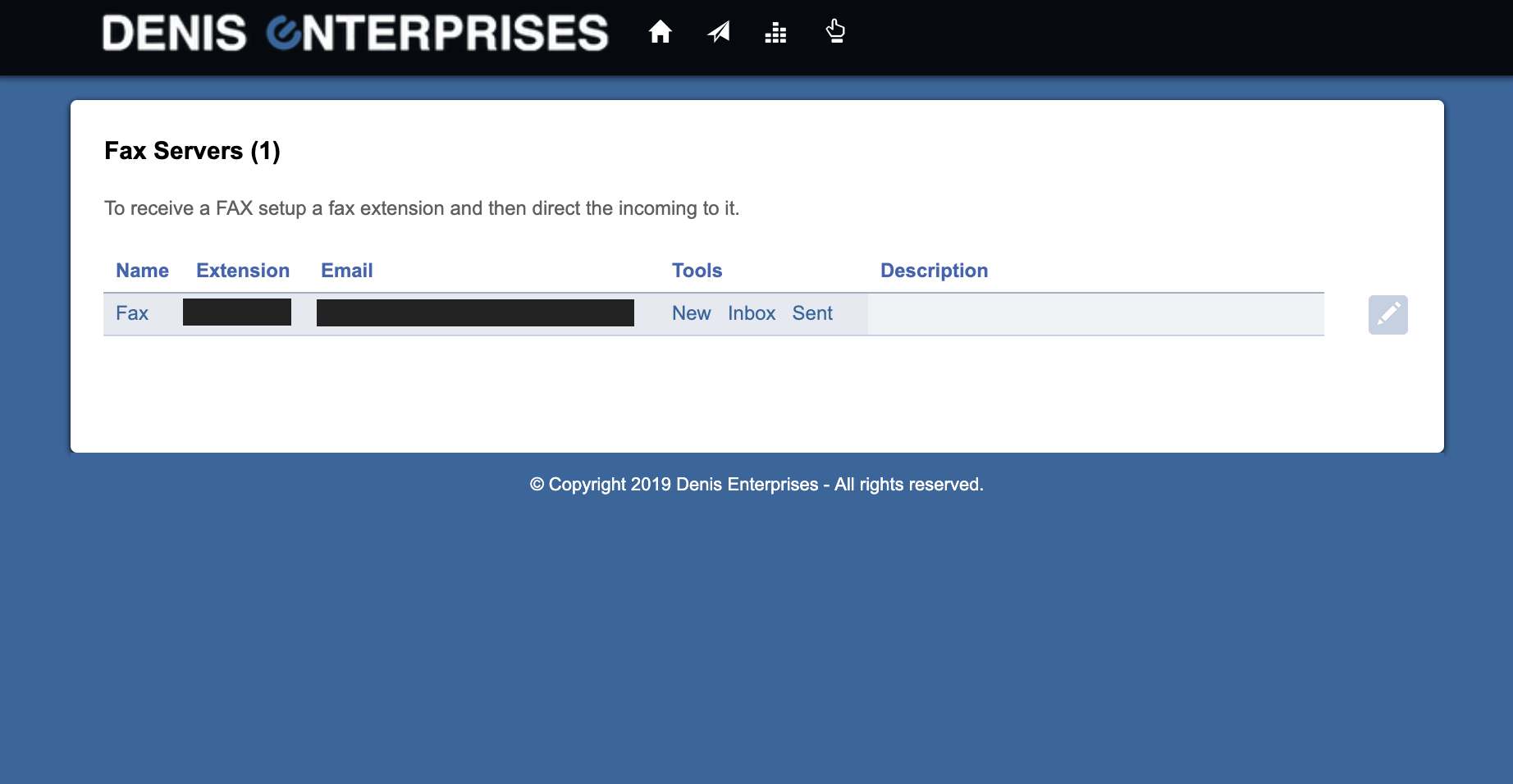
If you do not see your extension listed under 'Extension' please contact DEVoIP Support. - Under 'Tools' click 'Inbox'
- Faxes received using your fax server will show on this screen
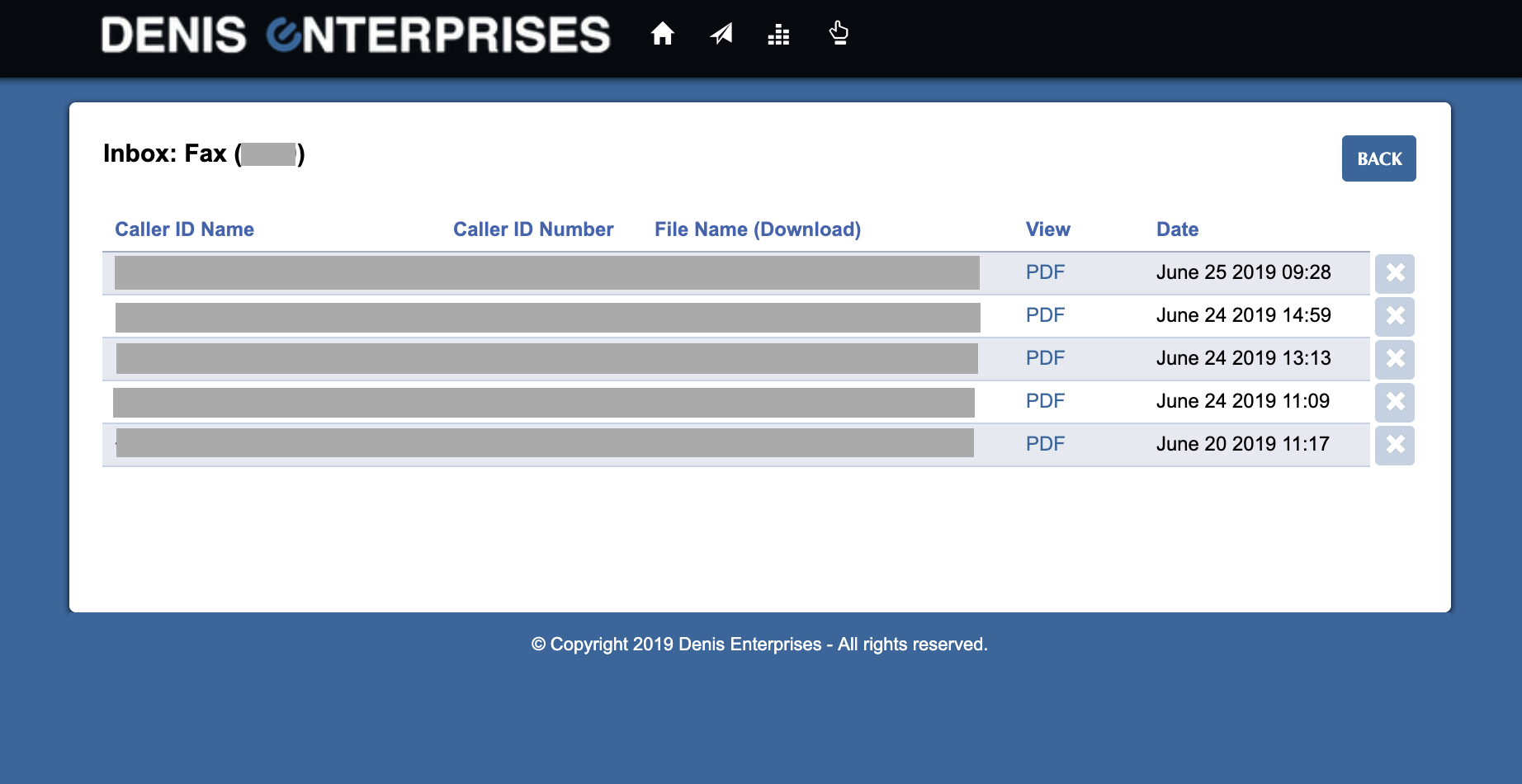
- From this screen you can view or download a copy of each fax as well as review the date and time it was send, number the fax was sent from (Caller ID Number) and sender's Caller ID.
Note: Faxes will only appear on this screen if they are sent to your fax number and that fax number has been configured in the DEVoIP system to receive faxes. If you are not receiving faxes, it may be that your extension has not been configured to see faxes received by your organization and the account holder may need to reach out to DEVoIP to add this feature for you.
0 Comments