
Once you are setup with a user portal for your organization, accessing the portal requires a unique URL, user name and password, which Denis Enterprises will provide to the account holder upon request.
For example:
Unique URL - https://mycompany.devoip.net
Username - firstlastname
Password - randompassword
To access the user portal:
- Browse to your unique URL
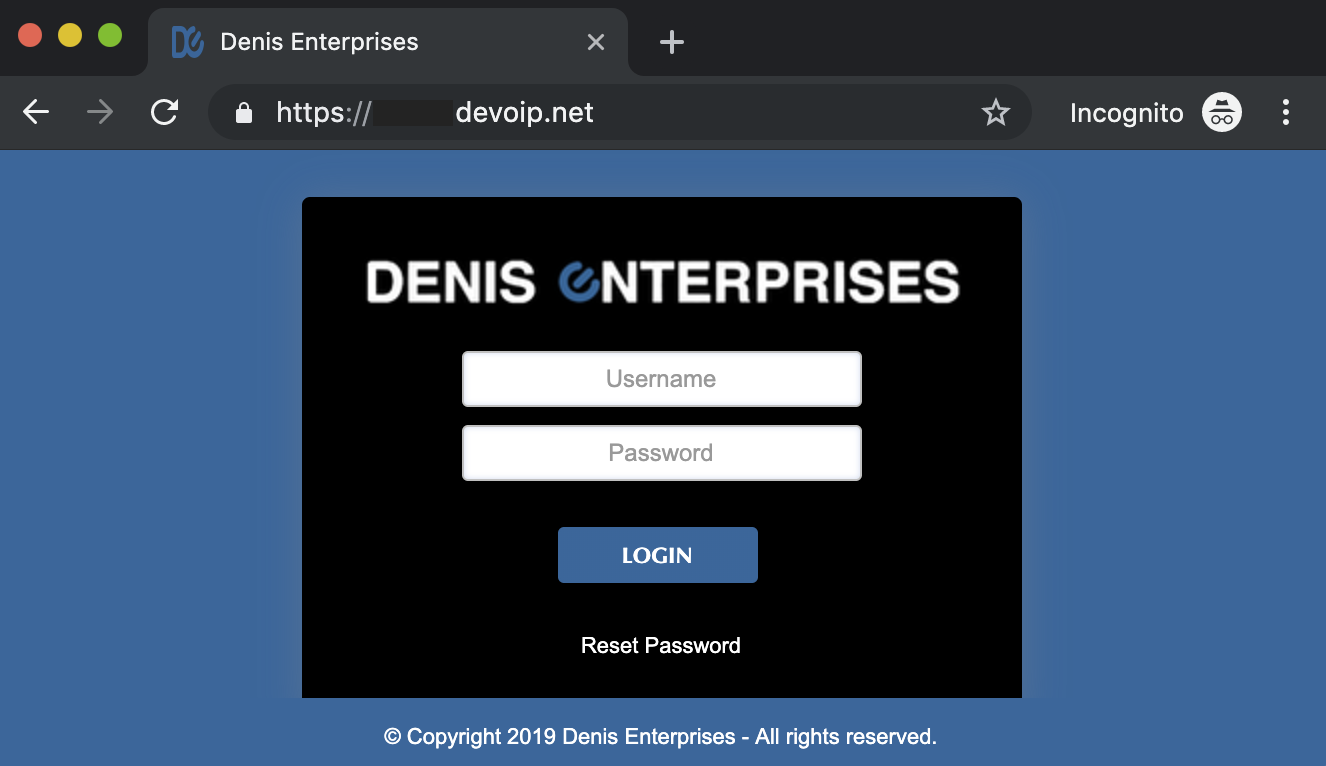
- Enter your Username and password
- Click Login
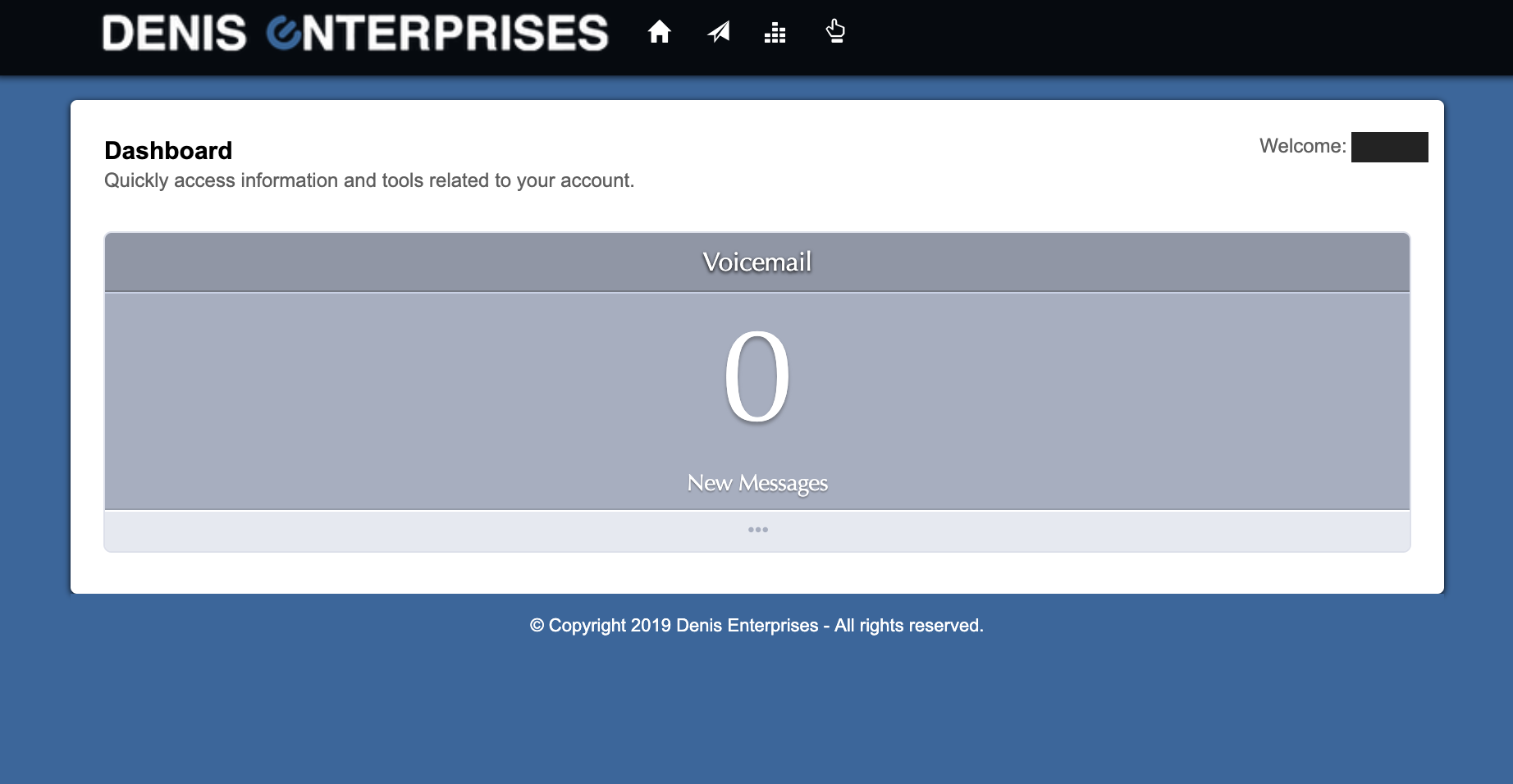
- You'll then see the Dashboard
0 Comments